Lab billing software that registers a patient in under a minute
QLab lab billing software registers a patient, picks tests or profiles from a 600+ test master, applies the right rate list and discount, and prints a receipt with a barcode in one screen. It records cash, UPI, card and split payments, tracks dues and advances, and handles refunds when a bill is edited.
Updated 2026-11-21
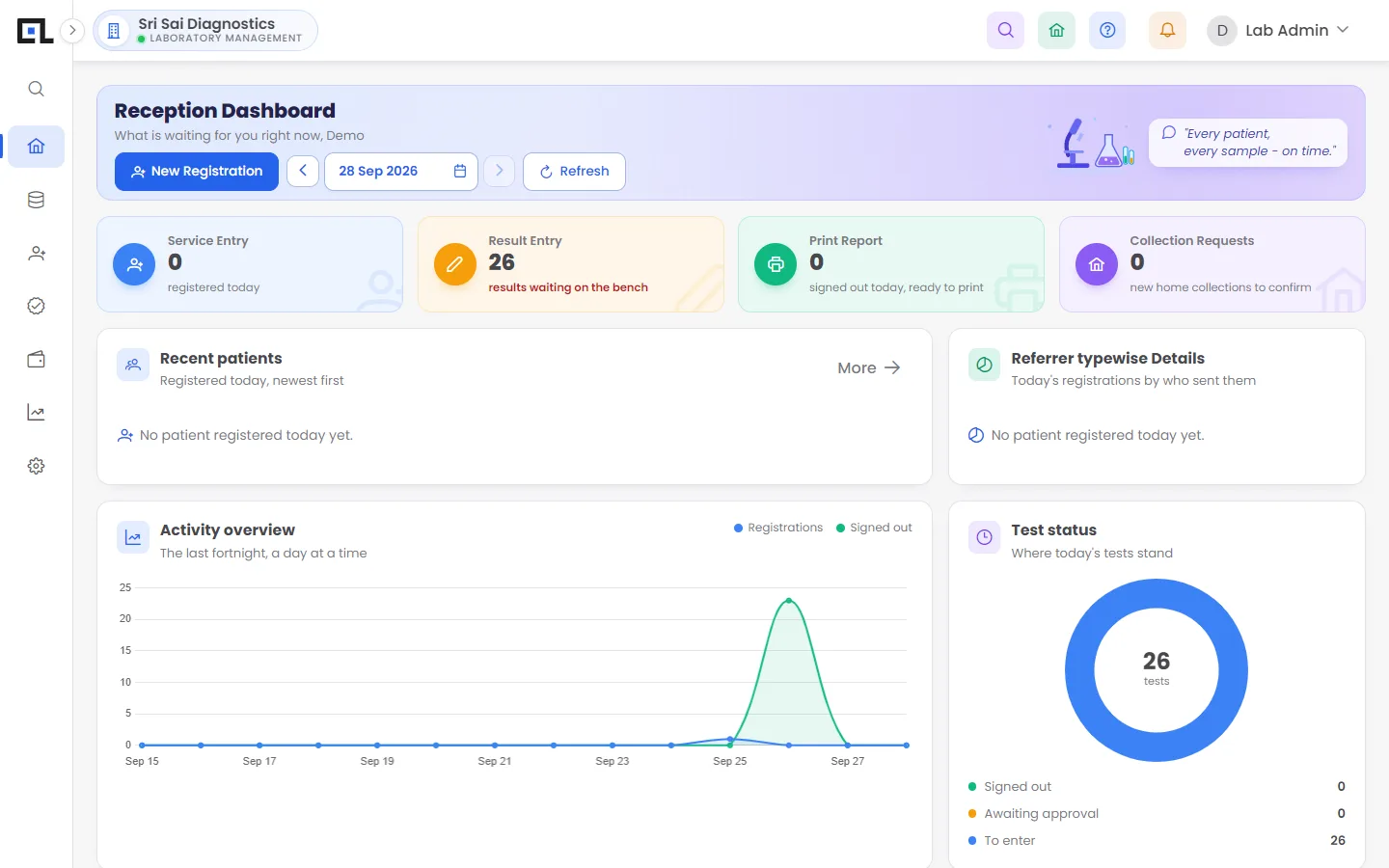
What can you do with QLab registration & billing?
One-screen registration
Name, age, gender, mobile, referrer and tests on one form. Returning patients are found by mobile number or patient ID.
Rate lists per doctor or centre
Each referrer or collection centre can have its own rates. The bill picks them automatically.
Discounts, dues and advances
Percentage or rupee discounts, partial payments, balance collection later, advance receipts.
Every payment mode
Cash, UPI, card, bank transfer, or a split across several modes on the same bill.
Refund on edit
Remove a test after billing and QLab works out the refund and records it in accounts.
Patient codes your way
Auto-generated patient and bill numbers that follow your own number series per branch and year.
Frequently asked questions
Can QLab print a bill on a thermal printer?
Yes. Bills print as a PDF that fits the page you choose, and the QLab print agent can send them straight to the counter printer without a print dialog.
Does QLab handle GST on lab bills?
Diagnostic services are generally GST-exempt, but QLab records GST where it applies and has a GST report in accounts for anything taxable.
Can I bill a health package as one item?
Yes. Create a profile or package with its own price; it bills as one line and still breaks into individual tests for the lab.
See QLab running on your own tests
Free 30-minute demo over video call or at your lab. Setup, data migration and training are included in every plan.